Crop GIF
Crop an animated GIF online using custom left, top, width and height values. Apply the same crop to every GIF frame and download the cropped animation.
Drop your GIF here
Animated or static GIF/Up to 30 MB
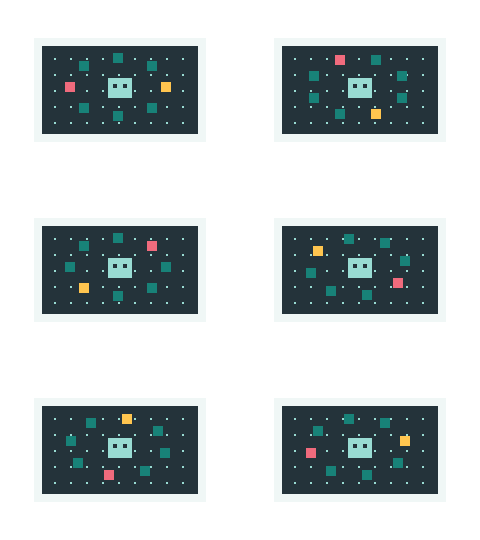 Try a real sampleorbit.gif · 32 frames
Upload files to get started.
Crop animated GIF frames to a custom area
Use the animated GIF crop tool to remove unwanted borders or focus on part of an animation. Set the left and top offsets, then enter the crop width and height in pixels. The crop preview shows the selected rectangle, and the GIF cropper applies that area to every frame. Cropping changes the canvas size while keeping the animation sequence and frame timing.
Crop GIF in your browser
Crop GIF runs locally in your browser; your source files are not uploaded. Process GIF files up to 30 MB, with up to 2,048 pixels per side, 500 frames and 24 million decoded frame pixels. Image sequences support up to 100 static images. Preview the animation and download the result when processing finishes.